

Efata

Turn a still design into a short video.

Choose an image, describe the motion, and review the result.

Designs brought to life

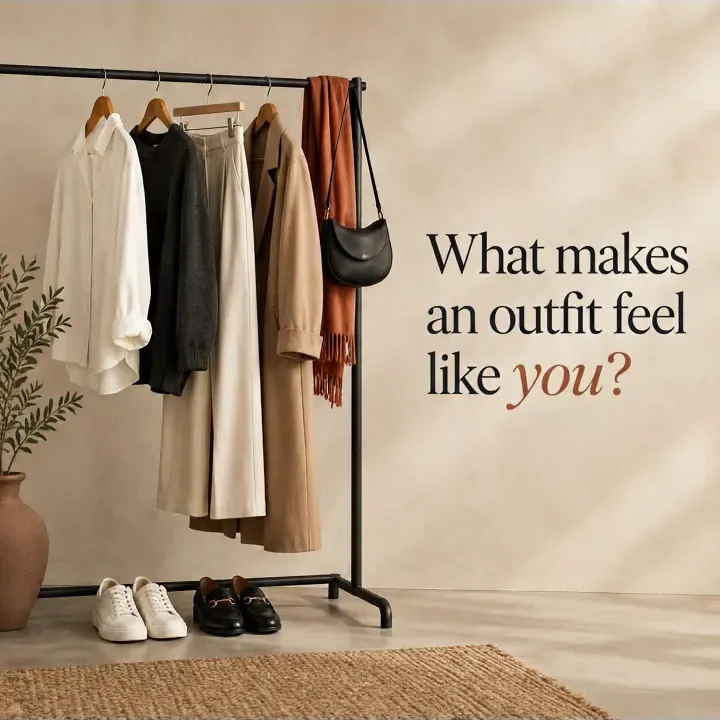
  • A fashion campaign frame from a video animated from a still design.
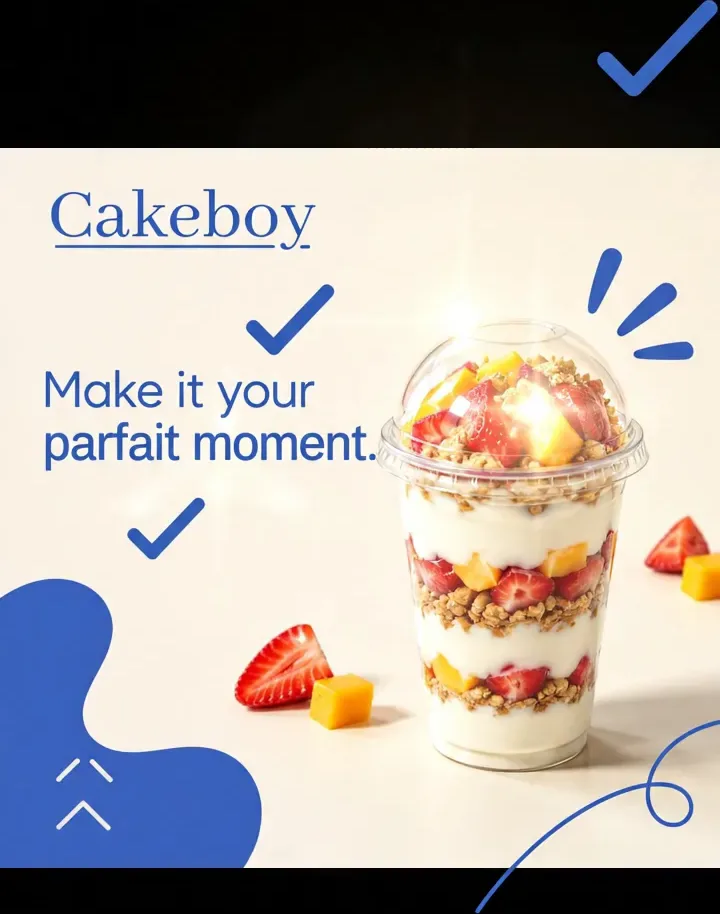
  • A Cakeboy parfait campaign frame from a generated product animation.
  • A food campaign frame from an animated Efata design.
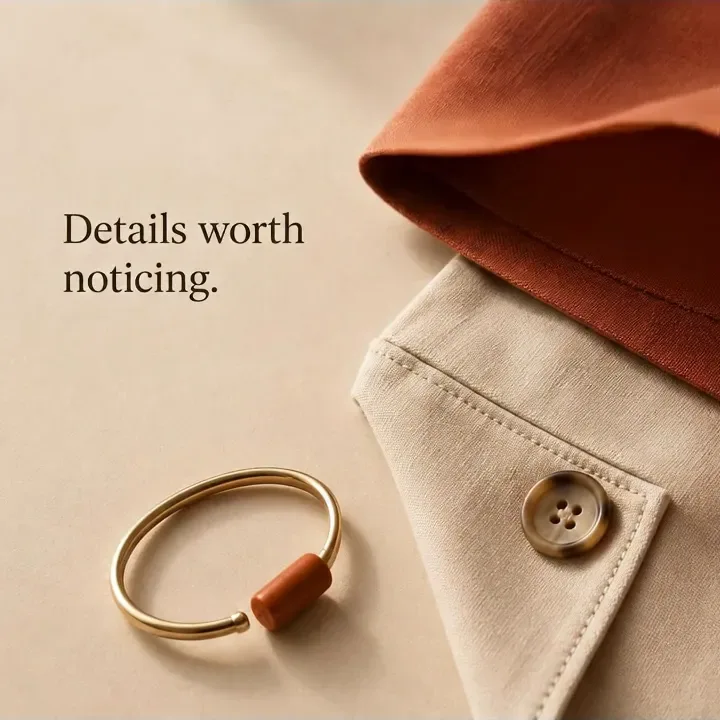
  • A second fashion campaign frame showing clothing and styling details.
01

Animate a saved Efata design or upload an image.

Choose a design from your account or bring in an image from your device. Efata uses that still visual as the starting frame for an animated video.

This makes animation a natural next step for a social design, campaign visual, or other image you want to bring to life.

02

Give the animation its direction.

Use the animation prompt to explain the motion or atmosphere you want. You can edit the prompt before you generate the video.

Review the rendered result and download the video when you are happy with the movement.

More room for
the good idea.

01

Use your own design

Start from an uploaded image or a design already saved in your Efata account.

02

Guide the motion

Describe the movement and atmosphere you want with an editable animation prompt.

03

Get a video, not just a still

Review the generated animation and download the finished video for your next post.

From first thought
to ready to share.

01

Choose an image

Upload a design or select one from your saved Efata work.

02

Write the motion prompt

Describe how you want the still image to move and set the direction for the animation.

03

Generate and download

Review the rendered video, then download it when the result is ready.

Before you
get started.

What can I animate with Efata?

You can upload an image or choose a saved Efata design to use as the starting point for an animation.

Can I describe the animation I want?

Yes. Efata provides an editable prompt so you can describe the movement and atmosphere for the generated video.

What does the animation maker produce?

It produces a rendered video from your still design. You can review the result and download the video.

Do I have to use a design created in Efata?

No. You can upload an image of your own or pick a design already in your Efata account.

Give a good visual its next moment.

Choose an image and describe the movement you want to see.