

Efata

Keep your brand assets ready to reuse.

Save your logo, colors, fonts, product images, and guidance in one Brand Kit.

One brand, across different designs

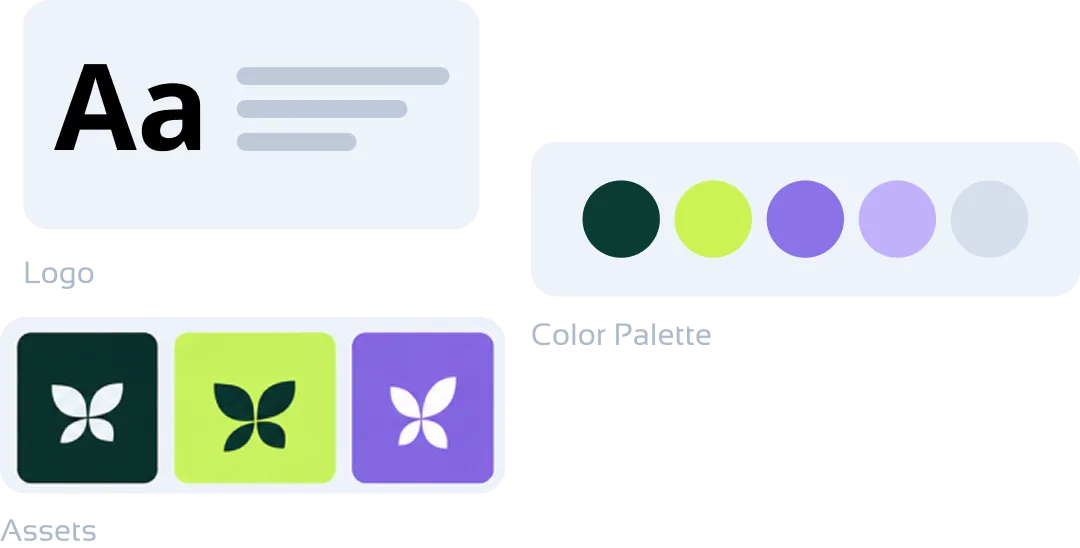
  • A Brand Kit visual showing typography, a coordinated color palette, and saved brand assets.
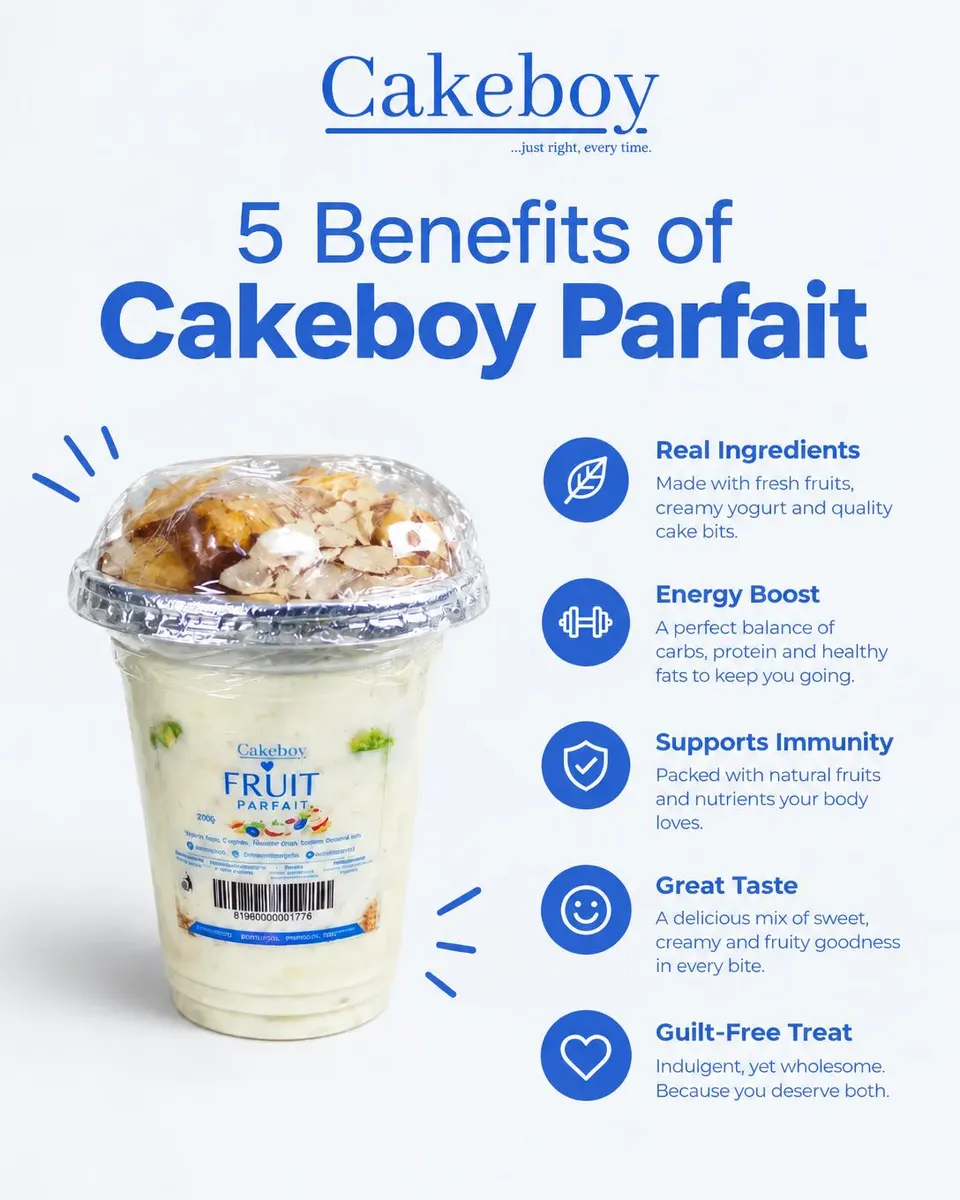
  • A Cakeboy parfait design using a consistent blue brand palette and product photography.
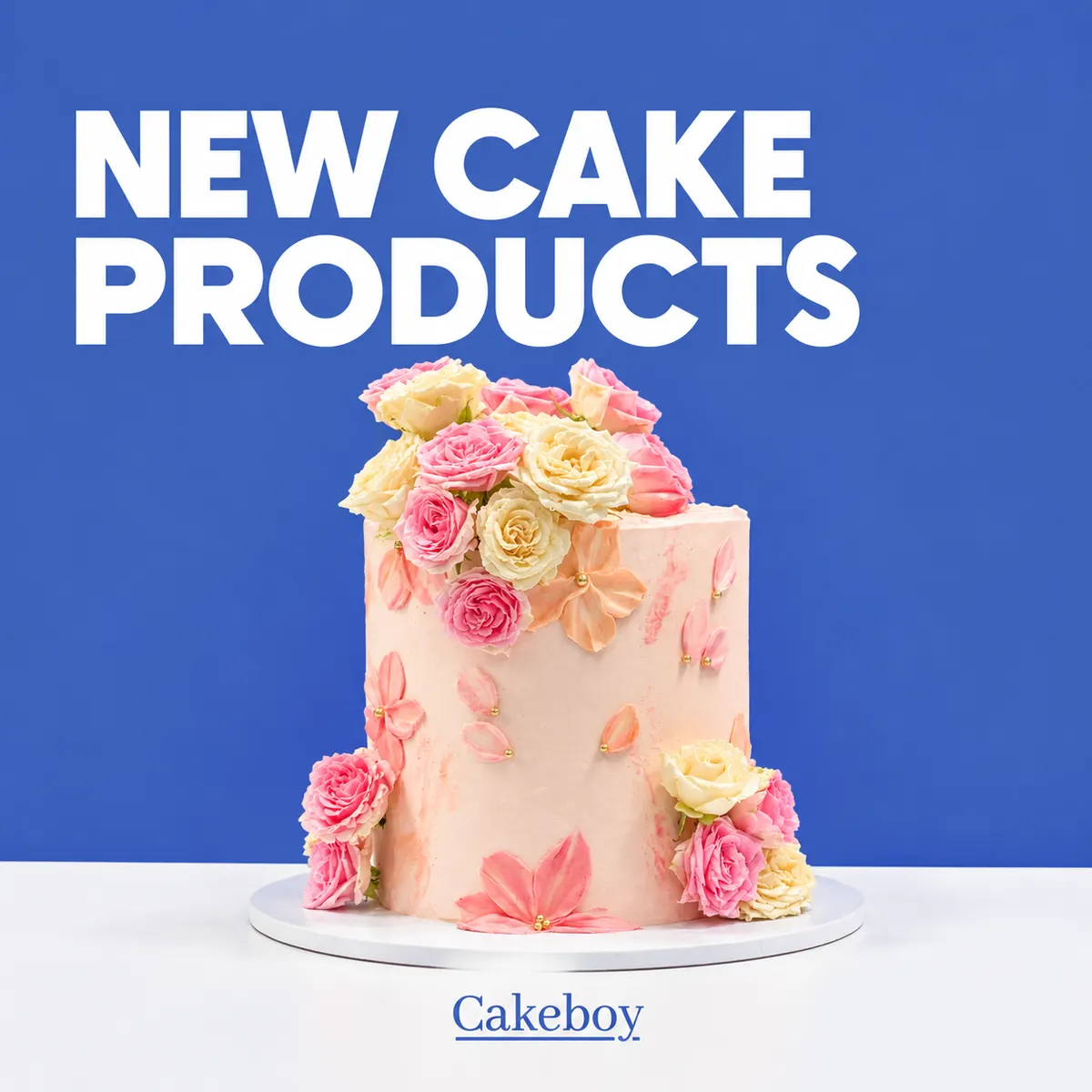
  • A Cakeboy design featuring product imagery from the brand’s product library.
  • A Cakeboy parfait campaign design using the same product and brand visuals.
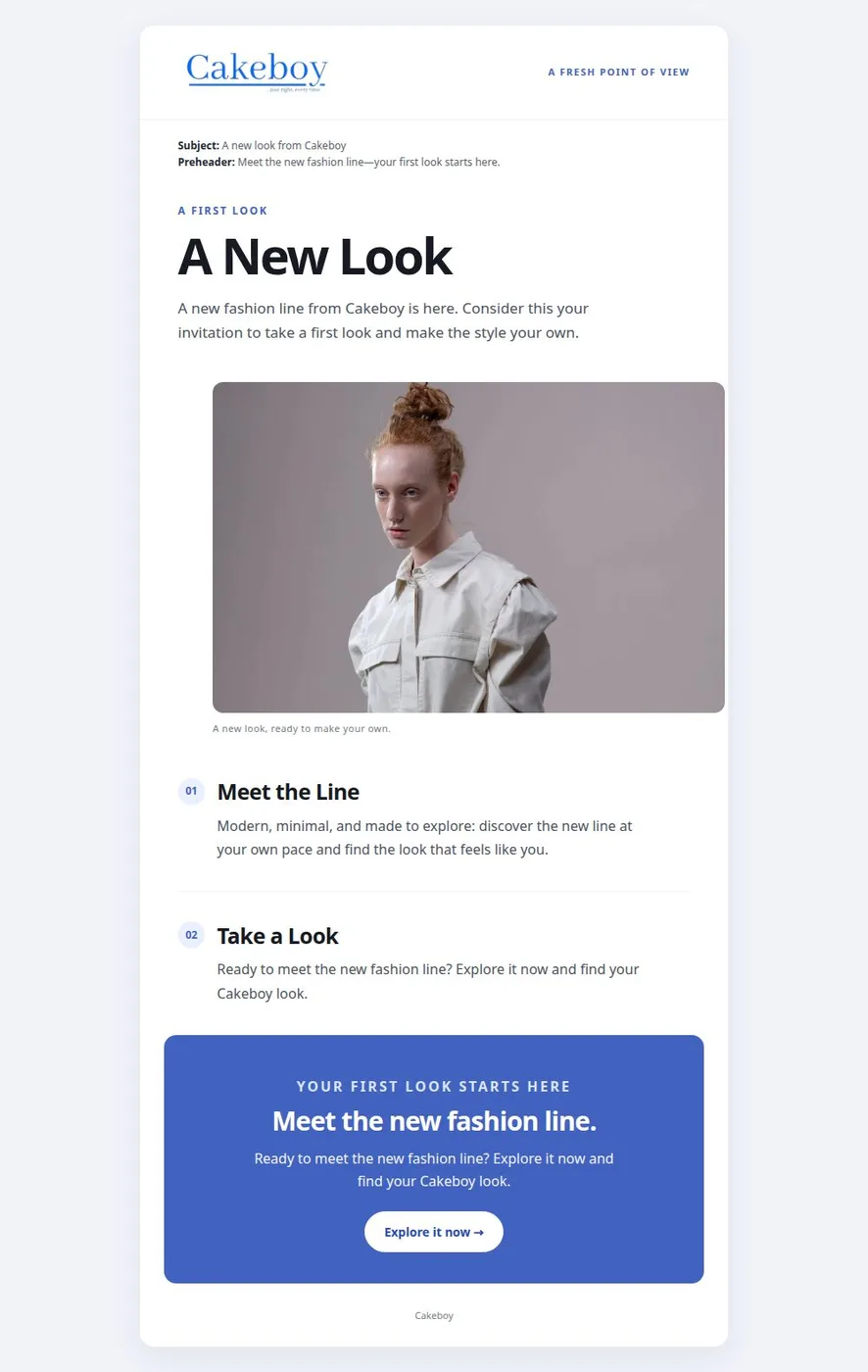
  • A full Cakeboy newsletter using the brand’s colors, product imagery, and typography.
01

Save more than a logo and a color swatch.

Add your logo, color palette, fonts, product images, and other visual references. You can also keep brand voice and visual guidance with the kit.

Product categories let you organize distinct product imagery without losing track of which asset belongs to each use.

02

Select the identity you want each new project to follow.

Choose a saved Brand Kit in a supported creation flow to guide the generated work with your brand information.

You can maintain separate kits for different brands and return to update their assets and guidance as the identity evolves.

More room for
the good idea.

01

Keep the visual building blocks together

Store logos, colors, fonts, and image assets alongside your brand guidance.

02

Organize product imagery

Group different product images by category so the right assets can be used in the right place.

03

Reuse saved brand guidance

Select a Brand Kit during content creation to guide new designs with your saved identity.

From first thought
to ready to share.

01

Create a Brand Kit

Give the kit a name and start with the brand identity you want to reuse.

02

Add your assets and guidance

Upload logos and product images, set colors and fonts, and add voice or visual notes.

03

Choose it when creating

Select the saved kit in a supported Efata creation flow to guide the new work.

Before you
get started.

What can I save in an Efata Brand Kit?

A Brand Kit can hold your logo, color palette, fonts, product assets, brand voice, and visual guidance.

Can I keep more than one Brand Kit?

Yes. You can create separate kits for different brands or visual identities and choose the one you need.

How do I use a Brand Kit when generating content?

Select the saved Brand Kit in a supported creation flow so its saved assets and guidance can inform the new work.

Can a Brand Kit contain multiple product images?

Yes. Product images can be organized into categories, with specific images saved for different products or placements.

Save the details that make your brand yours.

Build a Brand Kit and bring its guidance into your next creation.