




Efata

Give every new idea a visual direction.

Use Efata moodboards to collect visual references for a style or project. Save each board, then select it in a creation flow when you want new work to follow that direction.

Visual directions from saved moodboards

  • An Efata moodboard reference showing a purple promotional design, a laptop, and a person displayed in a phone mockup.
  • An Efata campaign reference with a purple gradient, a mobile app, and a smiling creator.
  • An Efata promotional reference featuring a purple campaign design and large dimensional lettering.
  • A saved Efata reference showing a red web of possibilities graphic on a purple campaign background.
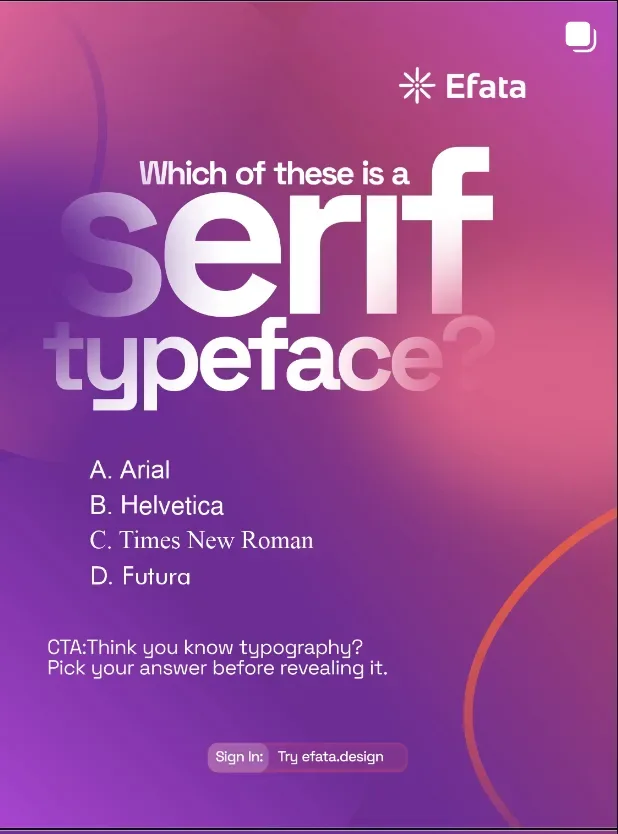
  • A saved Efata promotional reference with a purple background, type samples, and a quiz prompt.
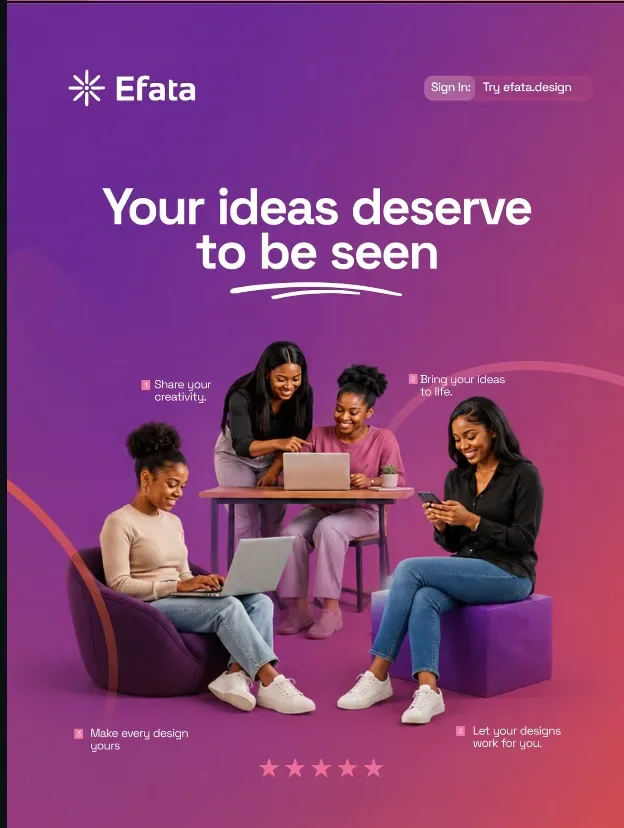
  • A saved Efata campaign reference featuring creators working together around a laptop.
01

Keep the images that explain the direction.

A moodboard helps you bring visual references together around a style, brand, or project. Save the images that show the atmosphere, palette, and composition you want to explore.

Create different boards for different visual directions and return to them when you start new work.

02

Bring the reference into a generation flow.

Select a saved moodboard in a supported Efata creation flow to guide the look of new designs and other creative work.

The board gives the project visual context without replacing your prompt or the choices you make in the editor.

More room for
the good idea.

01

Keep visual ideas in one place

Collect images and references for a campaign, brand, or creative style in a saved board.

02

Create separate directions

Maintain different moodboards for distinct projects or visual approaches.

03

Reuse references in Efata

Choose a saved board during a creation flow when you want its visual direction to inform new work.

From first thought
to ready to share.

01

Start a moodboard

Name the project or visual direction you want to collect references for.

02

Add visual references

Bring together the images that help explain the atmosphere and look you are after.

03

Choose it when creating

Select the saved board in a supported Efata generation flow to guide new work.

Before you
get started.

What is an Efata moodboard?

It is a saved collection of visual references for a brand, project, or creative direction.

Can I make more than one moodboard?

Yes. You can create separate moodboards for different styles, projects, or visual directions.

How do I use a moodboard with an AI design?

Choose a saved moodboard in a supported Efata creation flow to provide visual context for the new work.

Does a moodboard replace my prompt?

No. A moodboard adds visual references to your project; it does not replace your prompt or your editing choices.

Collect the references that move the idea forward.

Build a visual board you can bring into future Efata projects.