
Efata

Build an email newsletter.

Start from a brief. Edit the HTML email before export.

Real newsletter designs

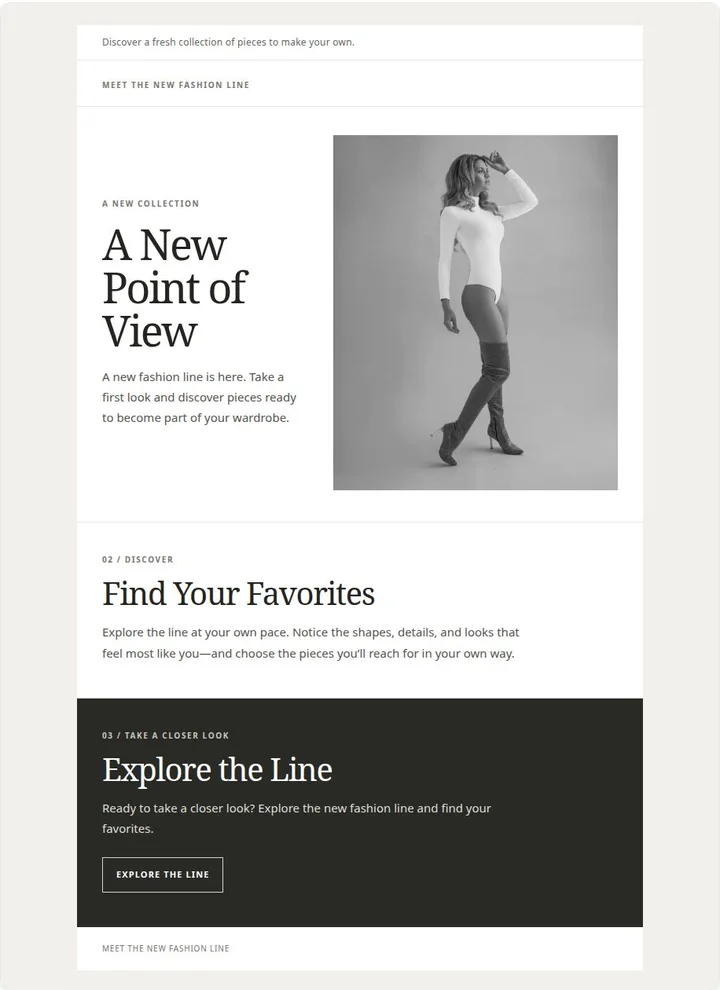
  • A full-page fashion newsletter with editorial copy and collection photography.
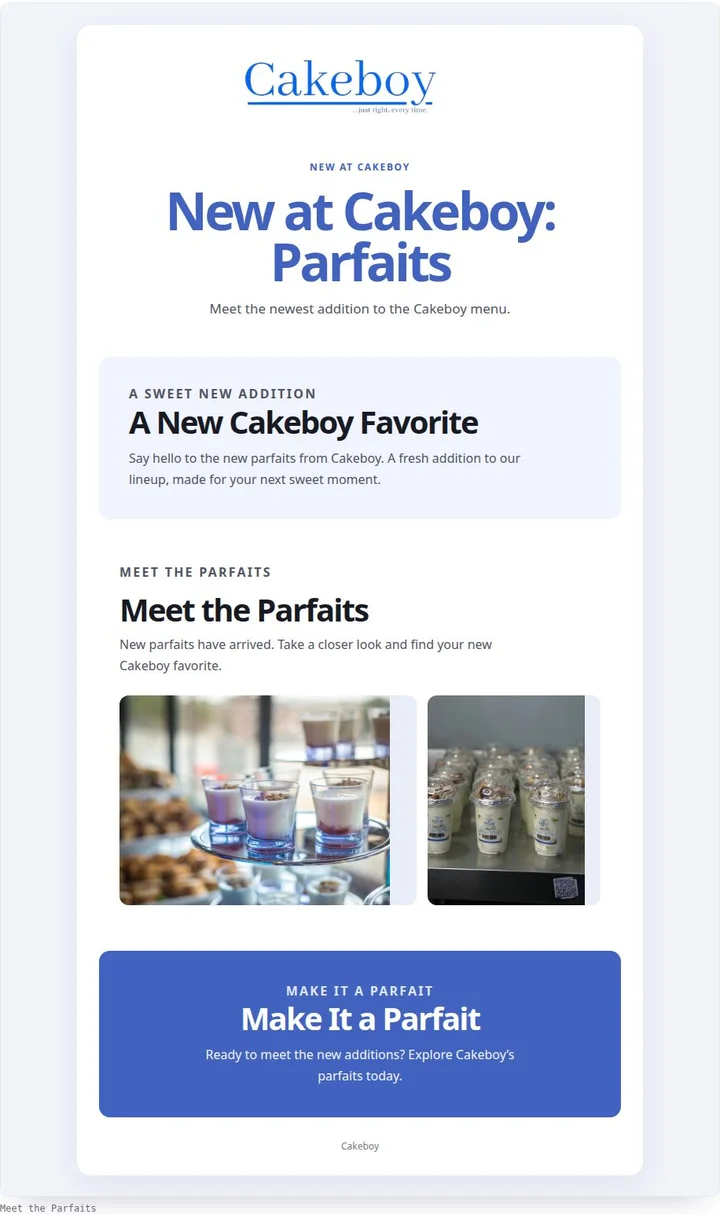
  • A complete Cakeboy email announcing parfaits with branded colors and product photography.
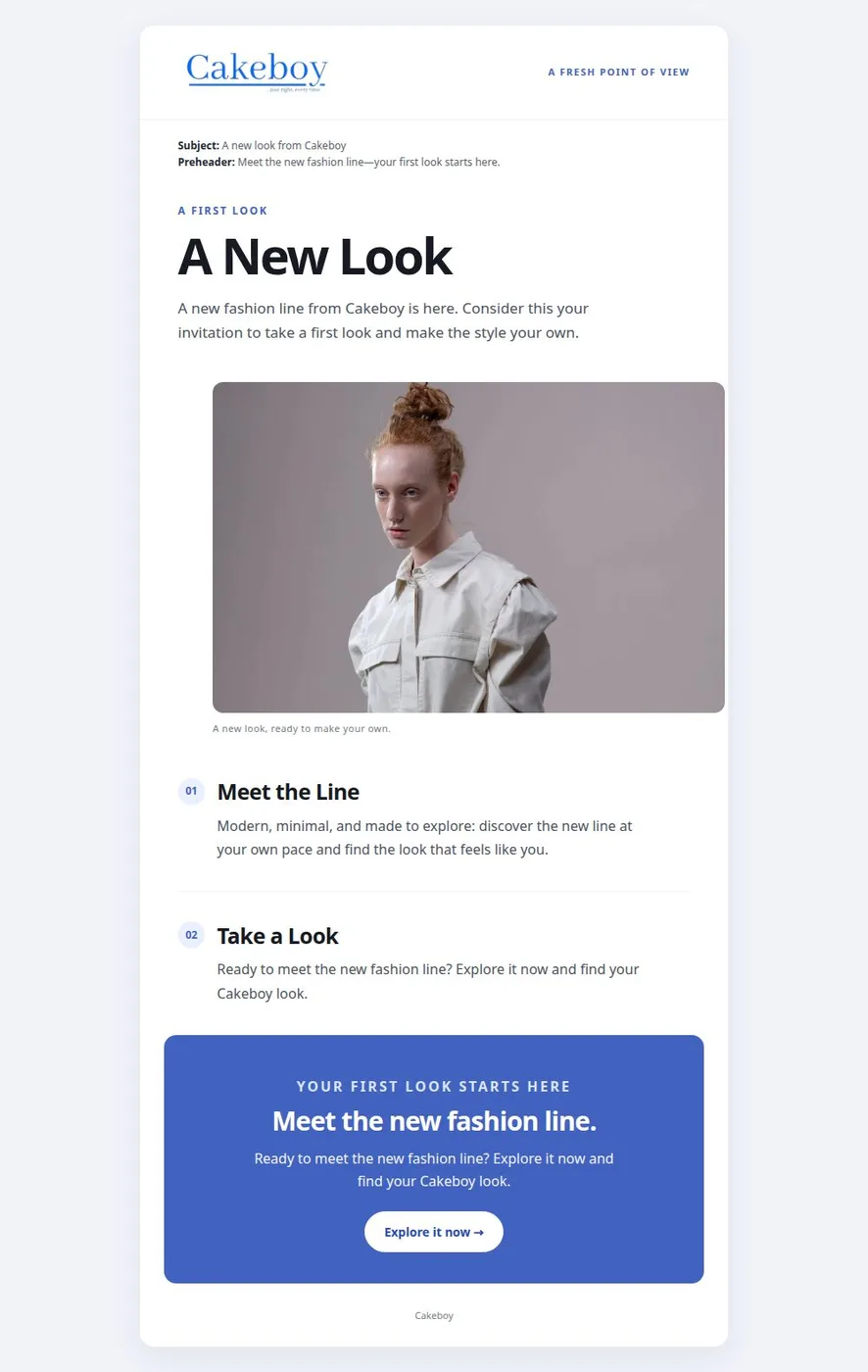
  • A full Cakeboy email newsletter introducing its new look and featured product.
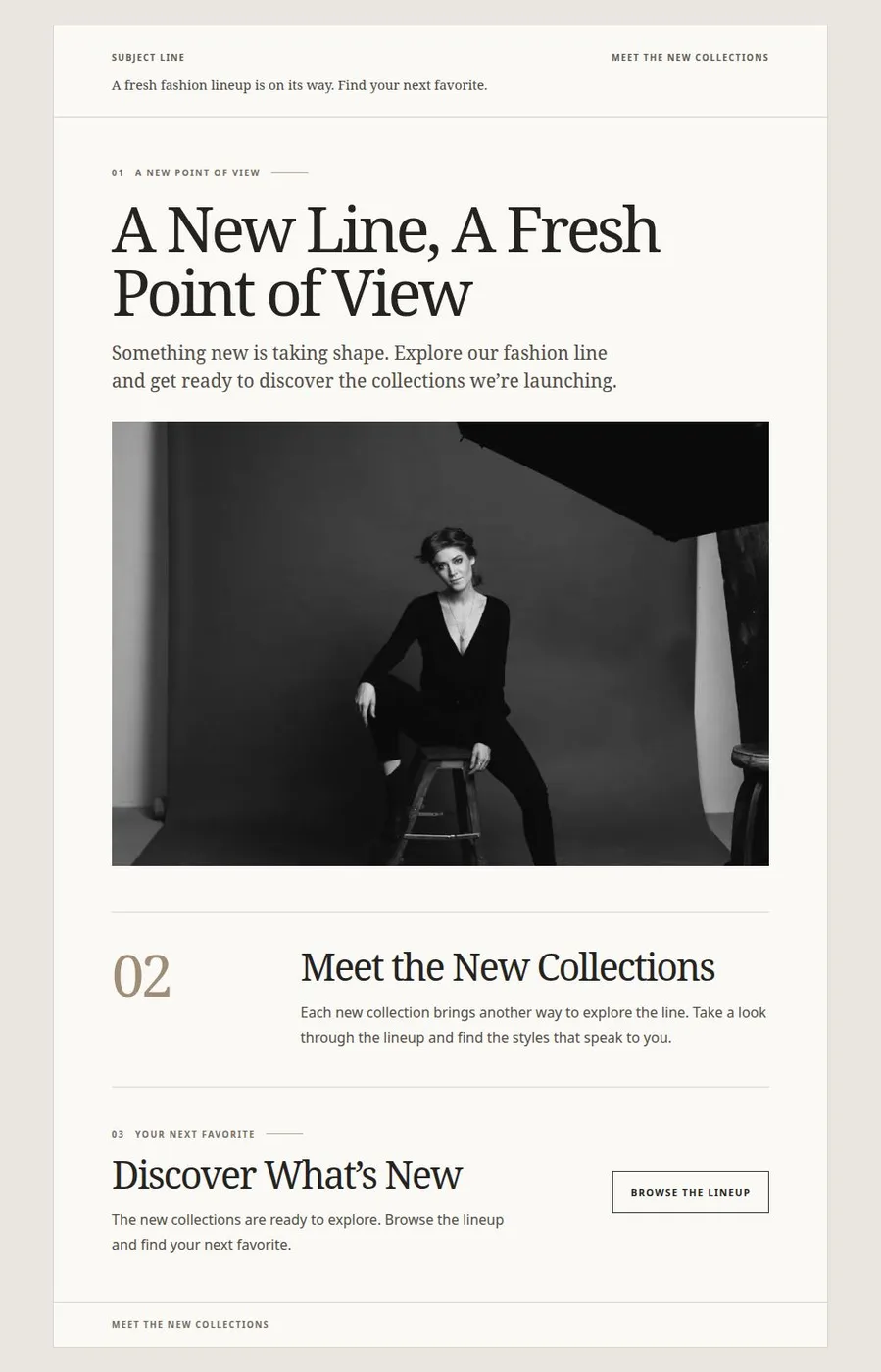
  • A full fashion newsletter page introducing a new clothing collection.
01

Bring a prompt, a campaign idea, or a fuller brief.

Describe what the newsletter should communicate or upload a brief for context. Efata uses it to create a structured email with a headline, copy, imagery, and a clear reading flow.

The generated result is HTML, so the design is built for an email format rather than a social post or a static graphic.

02

Adjust the words and the design in one place.

Edit newsletter text and visual elements in Efata’s editor. Refine the layout, imagery, and brand treatment before exporting the finished HTML.

Efata creates the newsletter design; you can then use the exported email with the email service you choose.

More room for
the good idea.

01

A complete first draft

Move from a prompt or brief to a newsletter layout with written content and visual structure.

02

Designed for email

Create an HTML newsletter rather than adapting a social graphic to fit an inbox.

03

Room to refine

Edit the newsletter’s copy and design before exporting the finished version.

From first thought
to ready to share.

01

Describe the newsletter

Enter a prompt or attach your existing brief and the message you want readers to take away.

02

Review the generated email

Open the HTML newsletter and adjust its content, imagery, and layout in the editor.

03

Export when it is ready

Download the finished newsletter HTML for use with your preferred email platform.

Before you
get started.

Can I make a newsletter from a prompt?

Yes. Describe the newsletter you need, or upload a brief, and Efata creates an editable HTML newsletter draft.

Can I edit the newsletter after it is generated?

Yes. You can edit the copy and visual layout in Efata’s newsletter editor before exporting it.

Does Efata send the email to my subscribers?

Efata creates and exports the newsletter design. You use the resulting HTML with the email service you choose.

What file format does the newsletter use?

The newsletter is created as HTML, which is designed for use as an email rather than a flattened image.

Start your newsletter with the brief.

Turn the message you already have into an editable email design.