Say what you need
Describe the subject, mood, message, or use. A plain-language idea is enough to begin.

Describe the visual you need. Refine it in chat, then download your design.

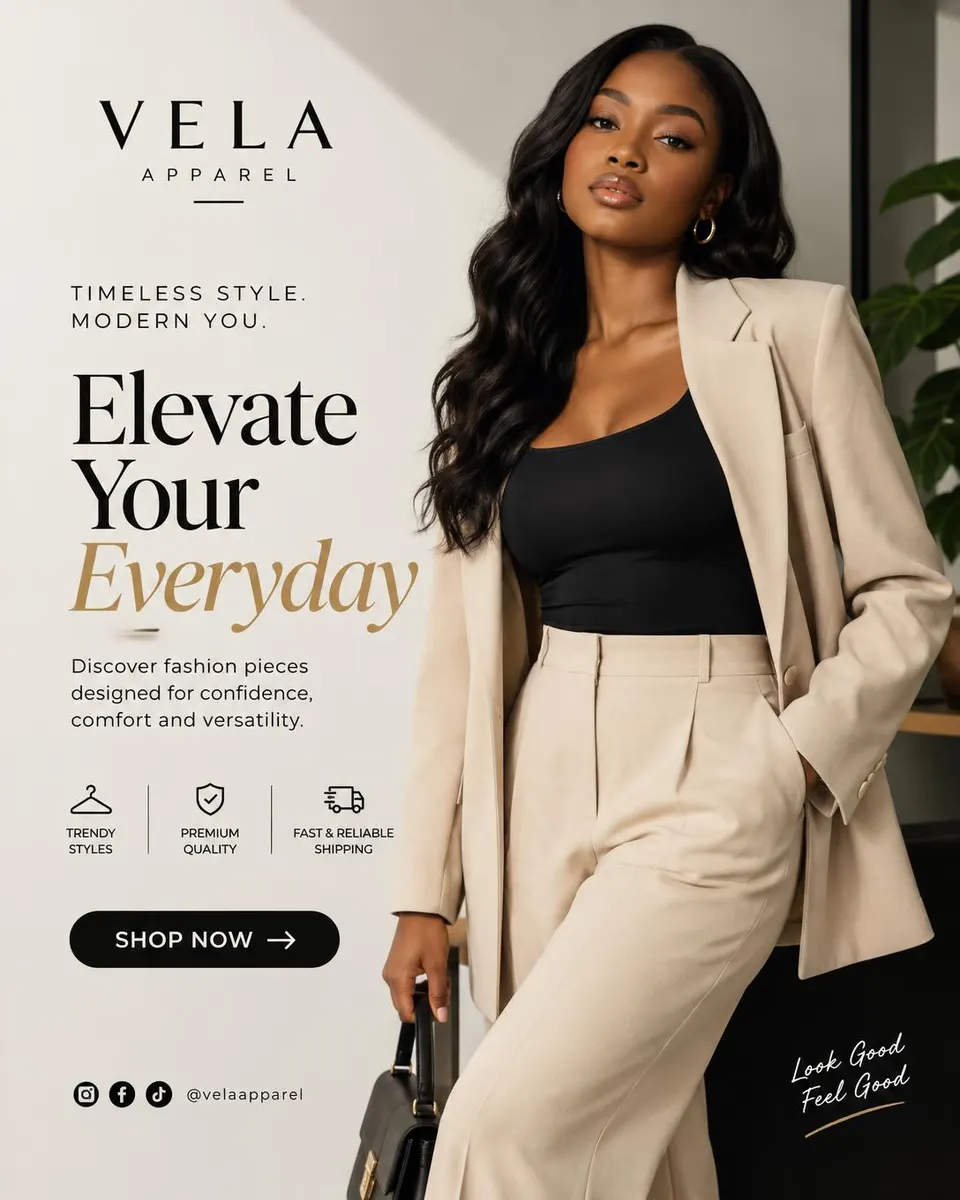
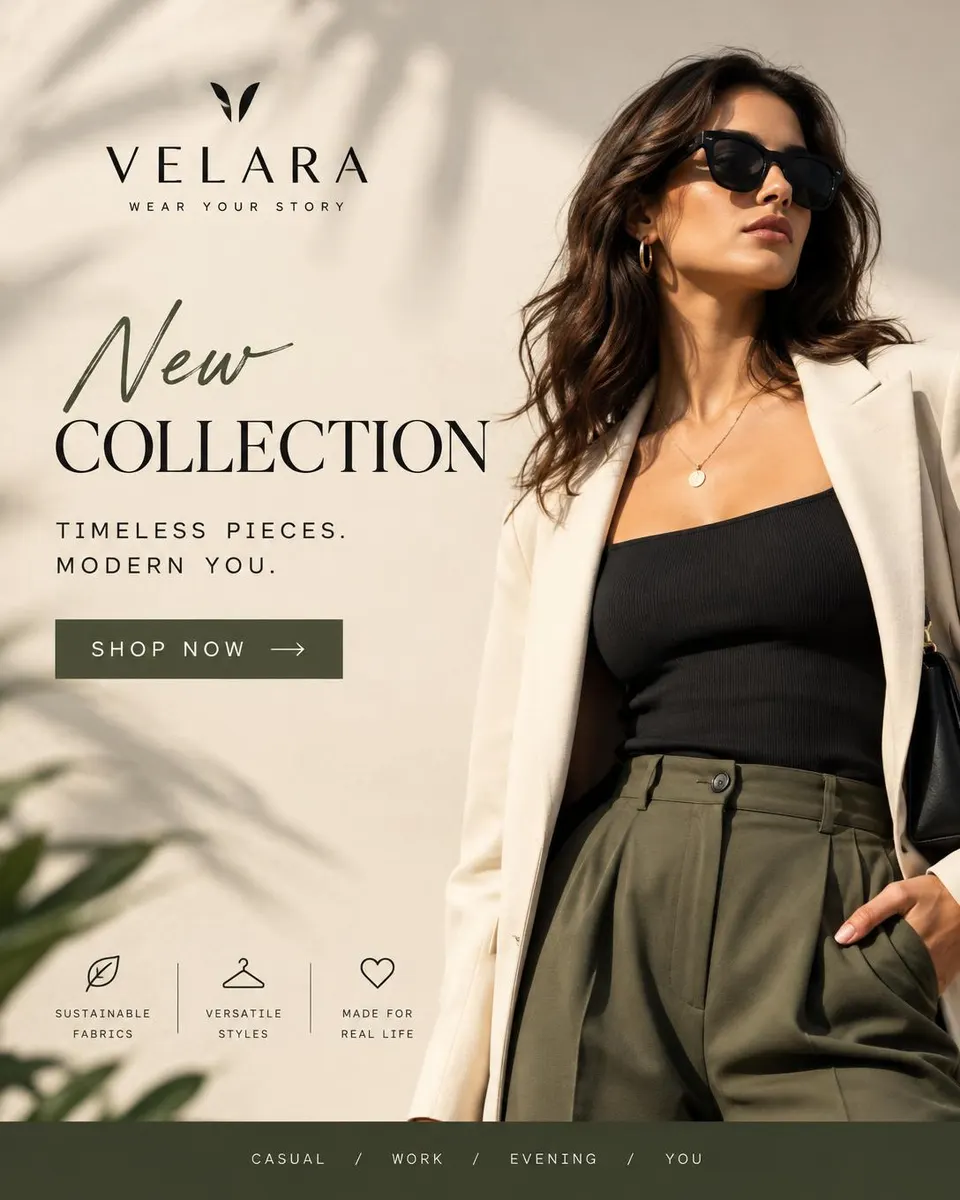
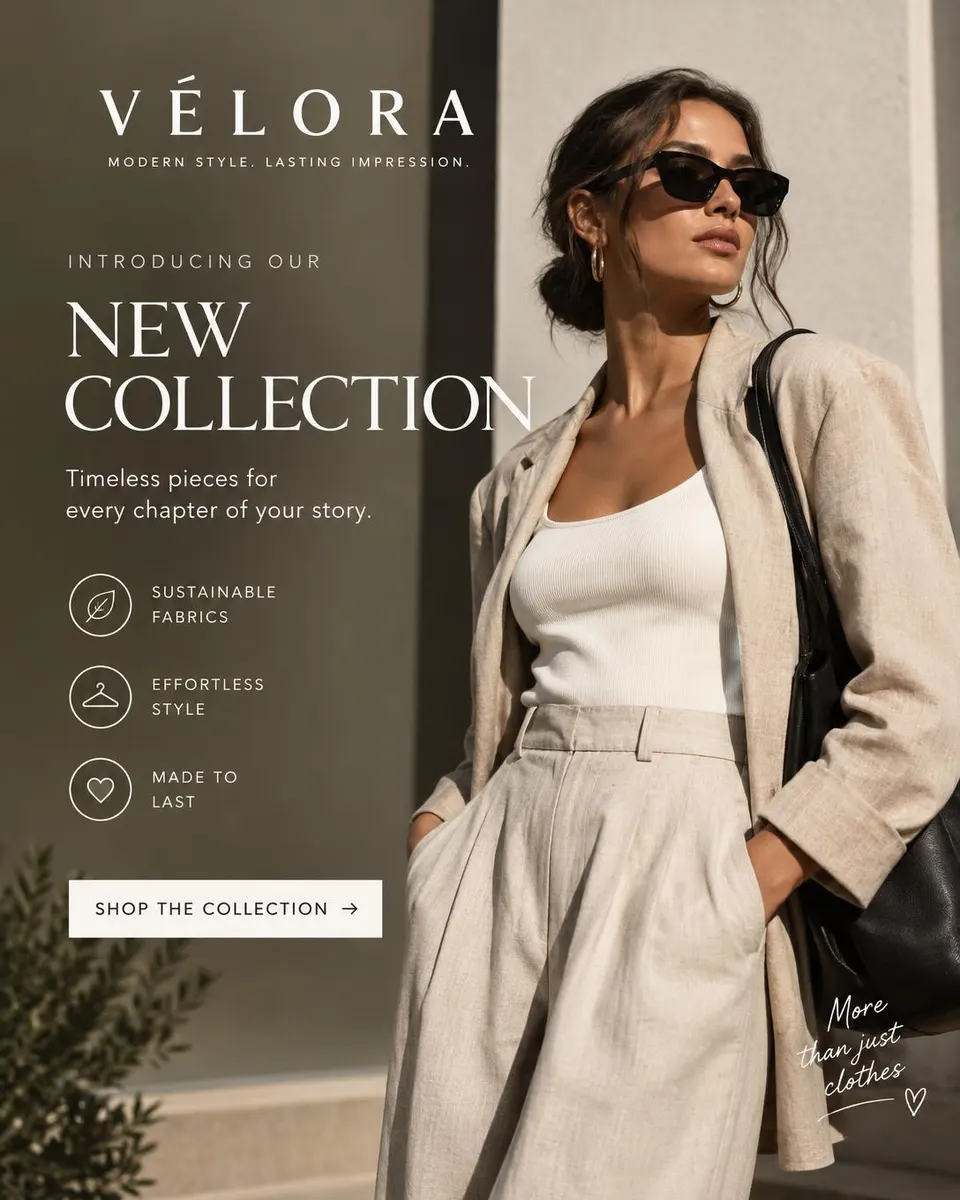
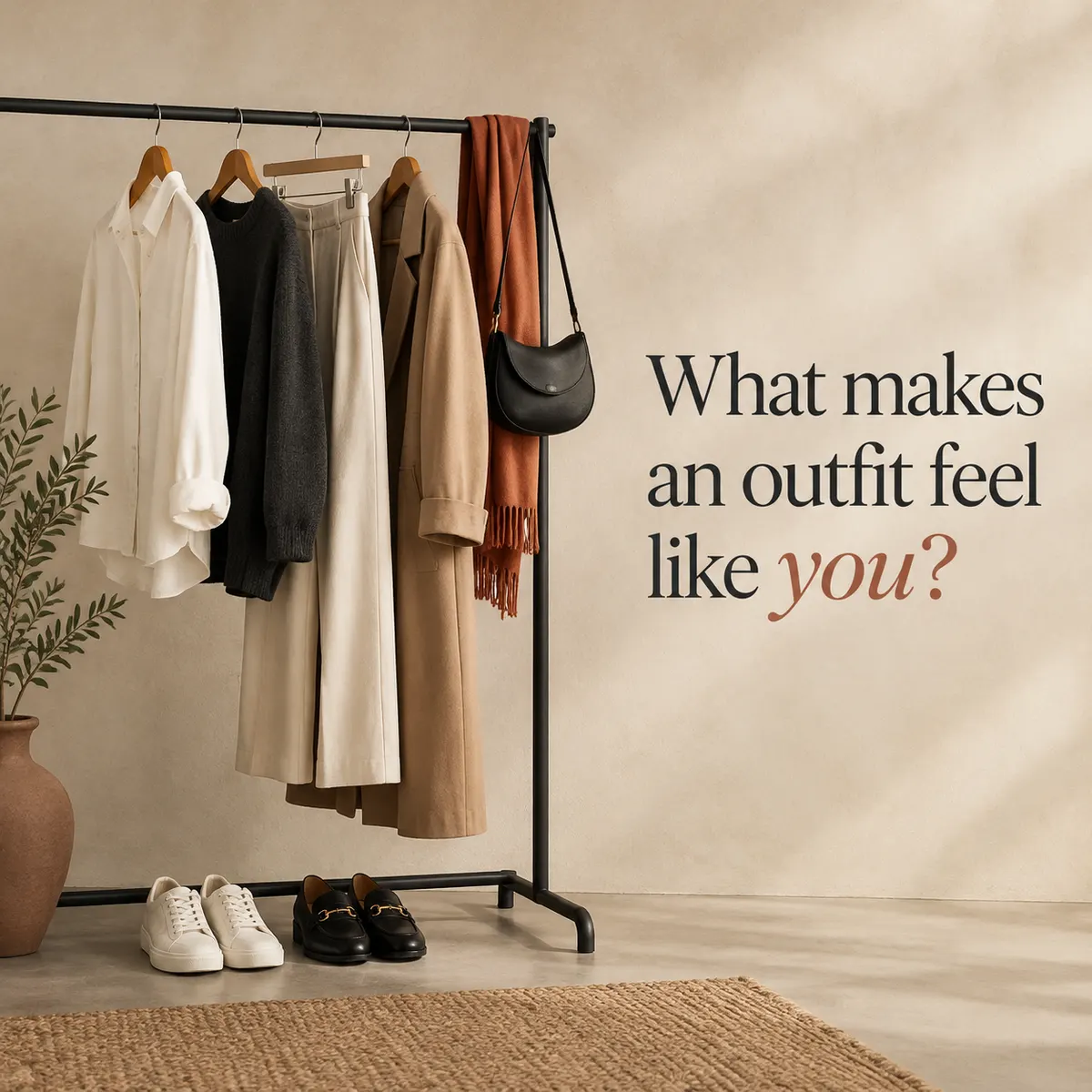
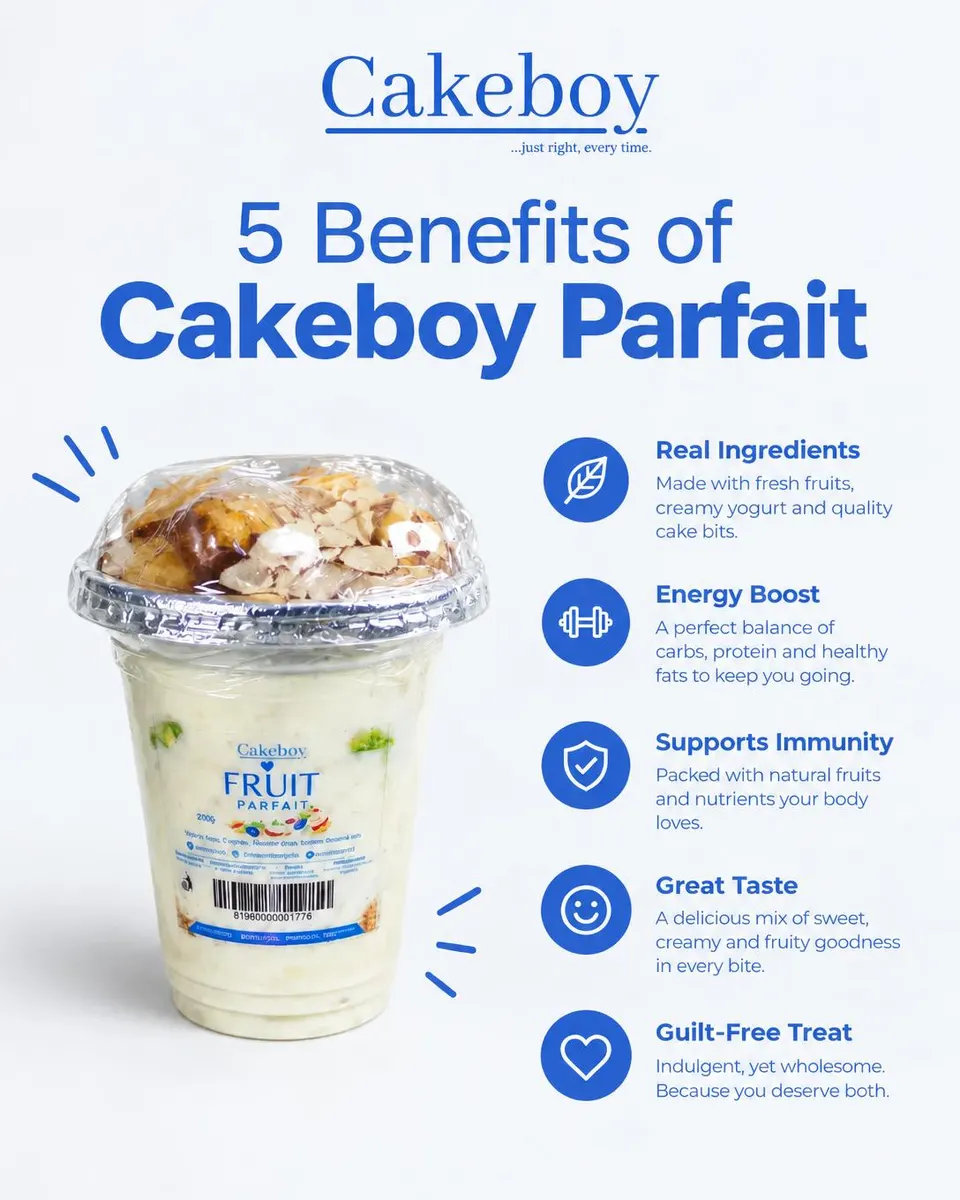
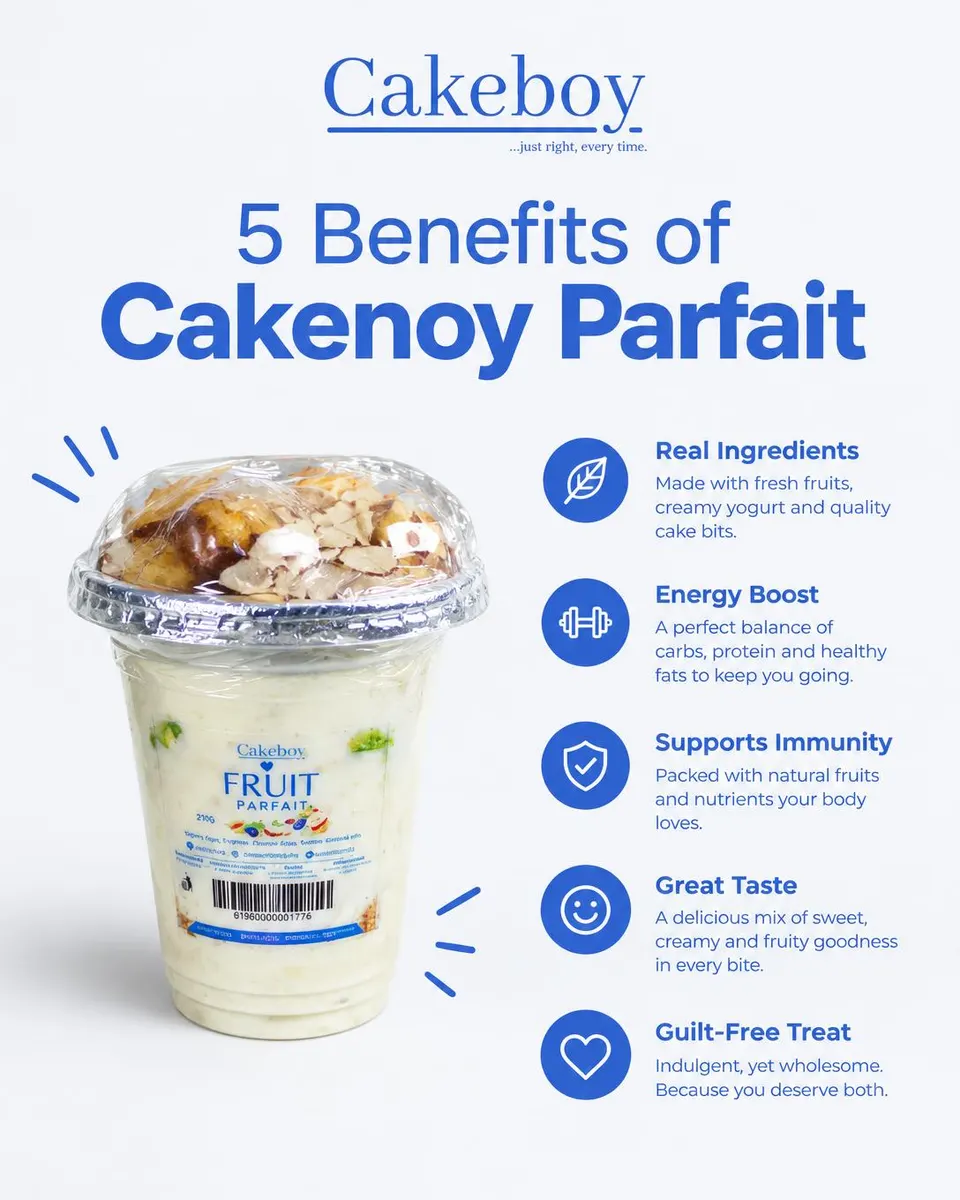
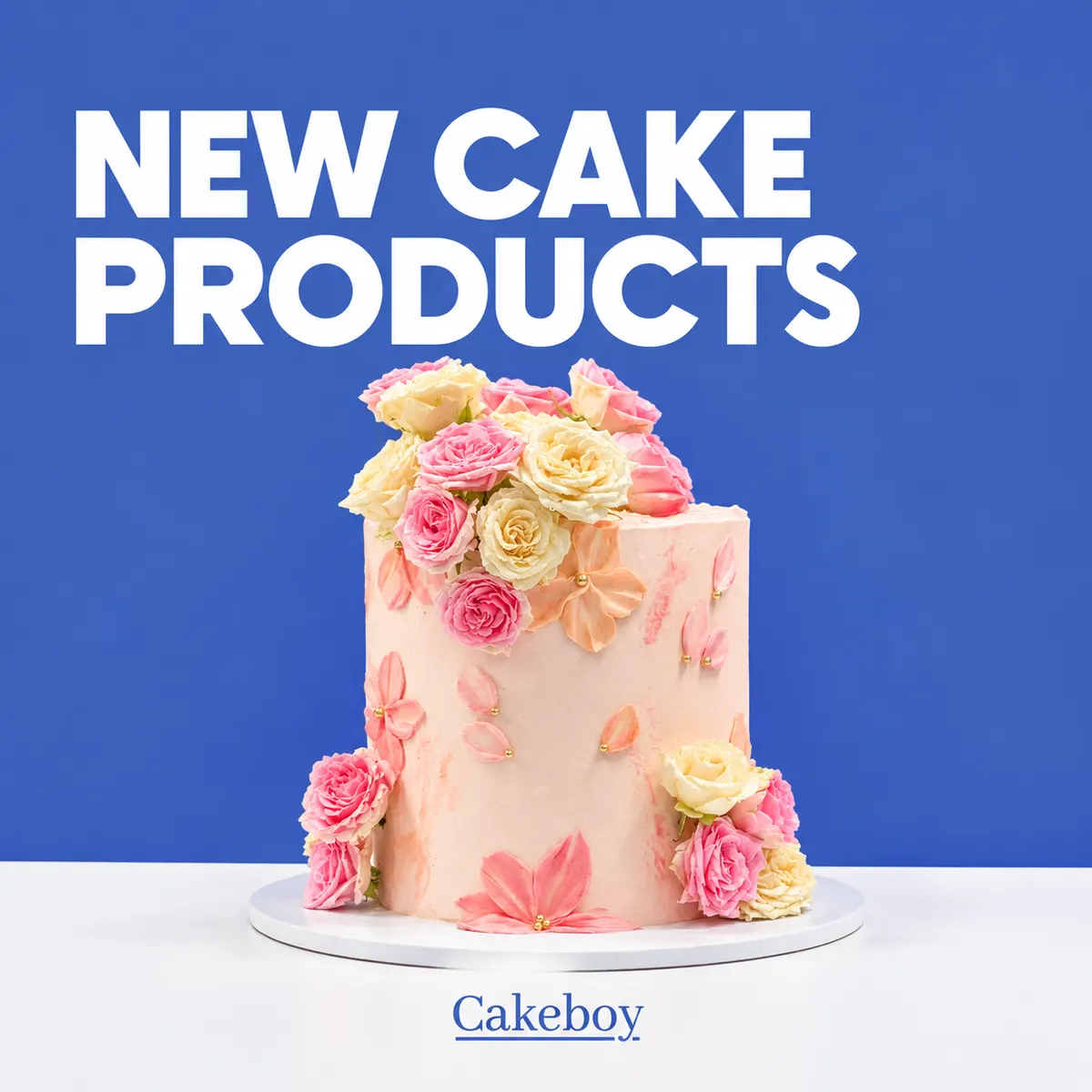
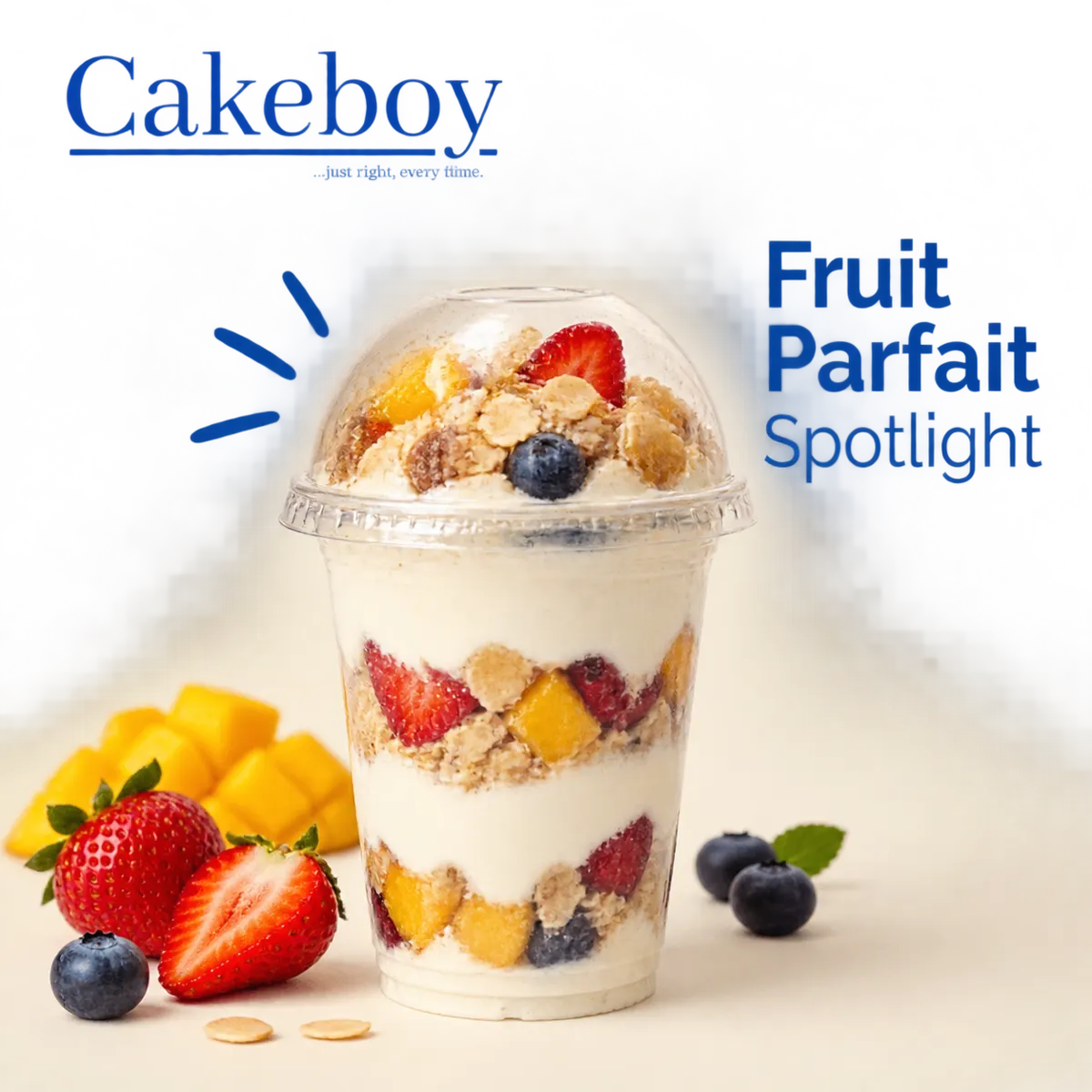
Create social posts, promotional graphics, flyers, and posters from a prompt.
Describe the subject, mood, message, or use. A plain-language idea is enough to begin.
Keep chatting to ask for changes. Add your own image references, a saved moodboard, or your Brand Kit.
Set the dimensions, quality, and file format that suit the place you plan to use the design.
Add ingredients that help Efata understand the visual you’re after, then keep the conversation moving.
Bring your own images into the design conversation as visual references.
Use a moodboard you have saved to guide the style and atmosphere.
Use your logo, palette, fonts, product imagery, voice, and visual guidance as creative input.
Choose a ready-made aspect ratio or define custom dimensions. Select Low, Medium, High, XHigh, Max, or Auto quality, then pick a format for your download.
Efata turns a plain-language prompt into a visual design. You can continue the conversation to refine the result, add image references, and download your design.
You can create visuals such as social posts, promotional graphics, flyers, and posters. Describe the visual you need in your prompt and refine it in chat.
Yes. Add your own image references to a design conversation. You can also use a saved moodboard or Brand Kit as creative input. A Brand Kit can include your logo, palette, fonts, product imagery, voice, and visual guidance.
Yes. Choose square, portrait, story, landscape, auto, or custom dimensions. You can also select an image quality setting and download as PNG, WebP, or JPEG.
Yes. Keep chatting with Efata to request changes to the generated design, then download the result when it is ready for you.